For jewelry stores
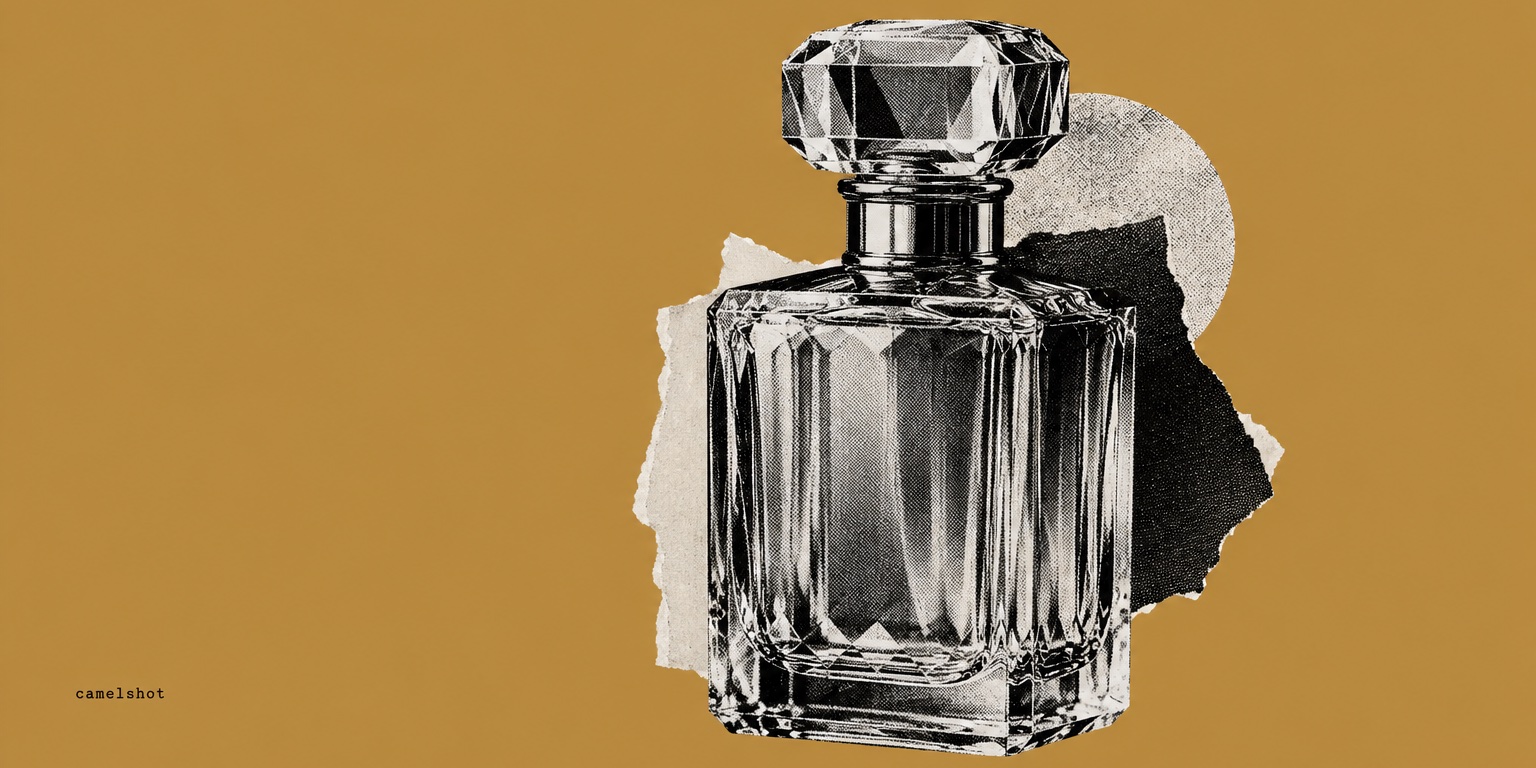
Jewelry ads that shine like the piece, from one photo
Updated
The short answer
Upload a clear photo of the piece or paste its product link from your store, then pick a pack and a format. CamelShot designs four finished ads that light the piece carefully, with a headline and call to action in Arabic or English, at 3:4, 1:1 or 9:16. Each image costs one credit, so a pack costs four. Compare the stones, clasp and engraving with the real piece before you post.
Key takeaways
- Photograph the whole piece on a neutral background, in soft light that does not blow out the metal.
- The ad never states a karat, stone type or certificate unless your product details do.
- If your photo shows several pieces, the design shows one unless the description says it is a set.
- Square 1:1 suits rings and earrings; 3:4 suits sets and long necklaces.
- The "Make the product stand out" refinement enlarges the piece in a new one-credit version.
Why jewelry ads need extra precision
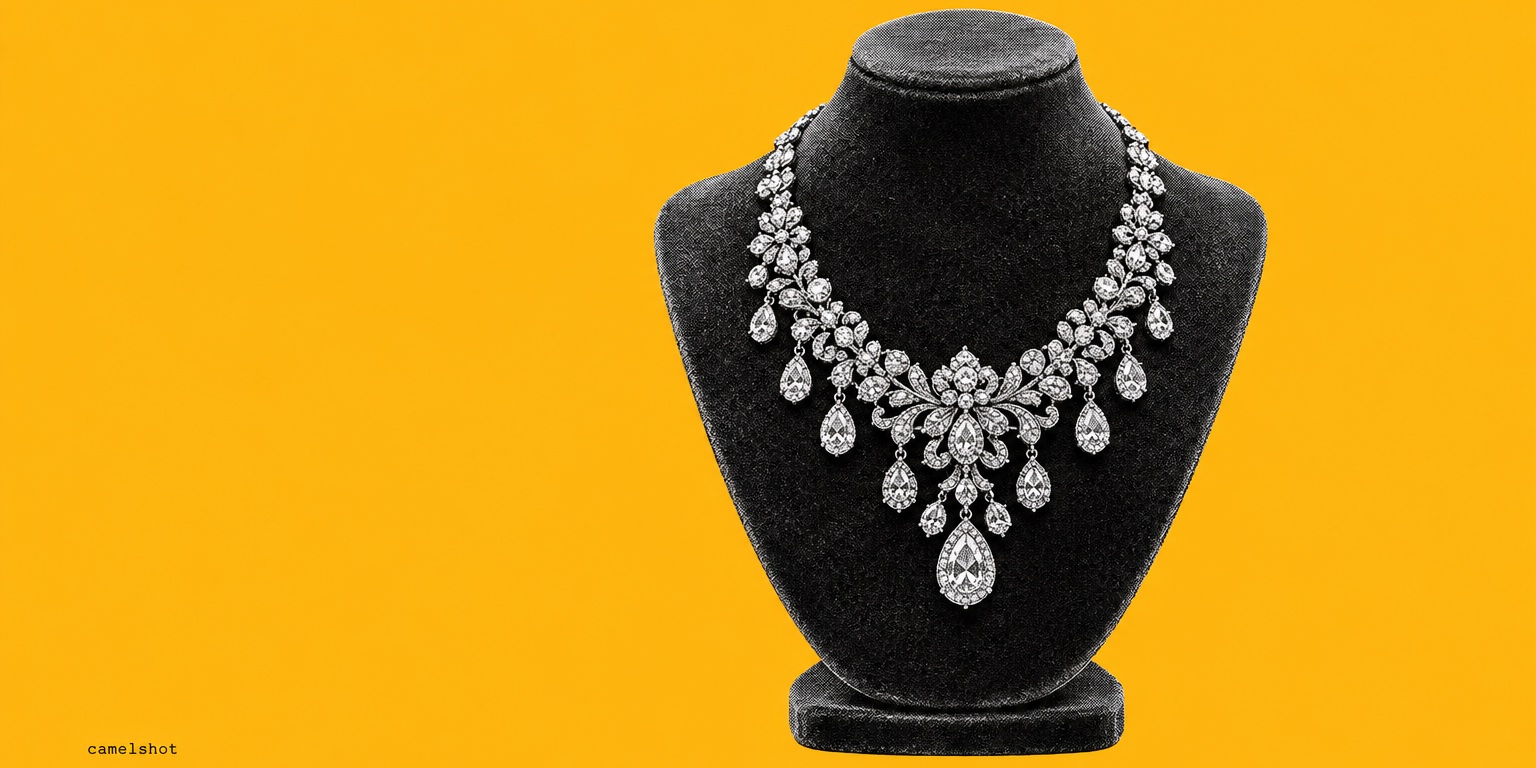
With jewelry, customers pay for small details: the number of stones, the setting, yellow, white or rose gold, and the engraved name or letter. A small piece gets lost in a busy design, so the ad needs calm space around it and a short headline.
In the Gulf, gold and jewelry buying follows gifting seasons such as Eid, weddings and graduations, and buyers notice any gap between the photo and the piece that arrives. That is why we build the design around your own photo, and why the final review stays with you.
Which pack and format suit your piece?
| Pack | When to use it | Jewelry tip |
|---|---|---|
| Product launch | A new collection or a signature piece | The "Premium editorial" or "Clean minimal" style suits fine pieces |
| Product benefits | When the description states the karat, stone or craft | One benefit from the description, nothing more |
| Product offer | When you want to show the price | The price as listed on the product page, so update it first if gold prices moved |
For format: 1:1 for rings and earrings, 3:4 for necklaces and sets, and 9:16 for stories, with safe space at the top and bottom.
How to photograph jewelry for a good reference
- Show the whole piece, including the clasp and chain if they are part of the product.
- Use a neutral, matte background instead of busy velvet or patterned fabric.
- Light from one soft side brings out the sparkle without hard reflections hiding the stones.
- Keep the photo sharp: detail in the result starts with detail in the reference.
- Put only confirmed facts in the description: metal, karat, stone type and weight if you know it.
What to check before you post a jewelry ad
- Stones: count, arrangement and size match the piece.
- Clasp and chain: shape, thickness and closure are unchanged.
- Engraving: letters, names and patterns are not distorted.
- Metal colour: yellow, white or rose, exactly as it is.
- Scale: the piece does not look bigger than it is next to the scene.
- Copy: no karat, no certificate and no "gold" for a plated piece.
If a design changes any detail of the piece, do not use it. Request a new version for one credit; the earlier one stays saved.
Frequently asked questions
- My pieces are very detailed. Will they come out right?
- Your photo is the reference, but the design can change small details. Check the stone count, clasp and engraving, and never use a design that changes what the piece is.
- Does it work for jewelry sets?
- Yes, as long as the product description says it is a set. Otherwise the design shows a single piece, so customers do not think they are buying a collection.
- Can the piece be shown being worn?
- With no persona selected, the piece appears on its own without people or hands. If you choose an AI persona from the library the persona may wear or hold it. Personas are AI-generated adults, not real customers.
- How much does a pack for one piece cost?
- Each image costs one credit and a pack of four designs costs four credits. Your first credit is free when you sign up.