For home decor stores
Home decor ads that show the piece in its place, from one photo
Updated
The short answer
Upload a clear photo of the decor piece or paste its product link from your store, then pick a pack and a format. CamelShot designs four finished ads with a headline and call to action in Arabic or English, at 3:4, 1:1 or 9:16, and the "Warm lifestyle" style places the piece in a home setting. Each image costs one credit, so a pack costs four. Check the size, material and piece count in every design before you post.
Key takeaways
- Scale is the biggest risk in decor ads: put dimensions in the description and make sure the piece does not look bigger than it is.
- Name the material as it is: marble or resin, solid wood or engineered wood.
- A set only appears as a set if the description says so.
- Use "Clean minimal" for catalogue shots and "Warm lifestyle" for home scenes.
- Props such as tables and candles are for mood only; check they do not look included.
What sells a decor piece in an ad
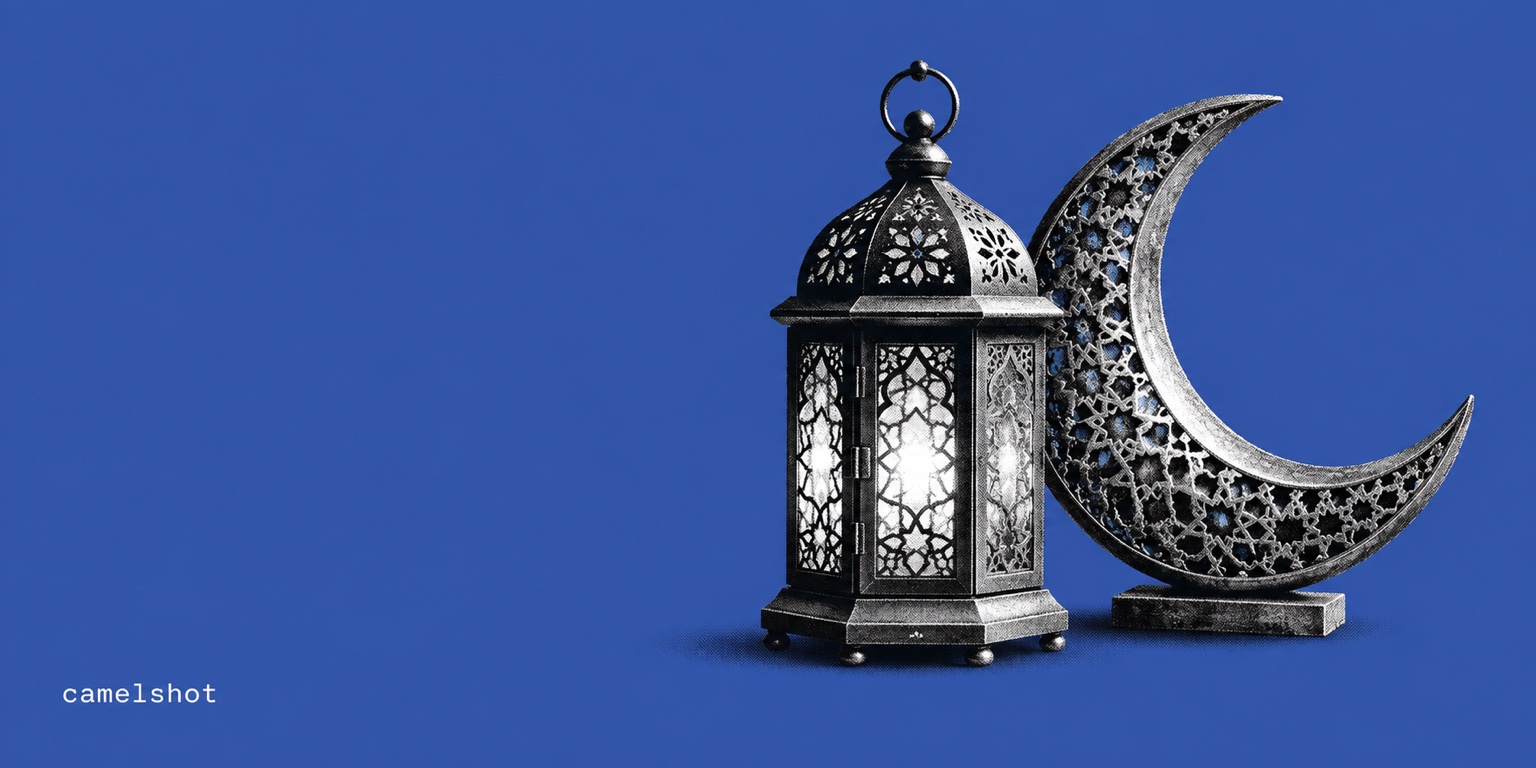
Nobody buys a vase; they buy the way their corner will look afterwards. That is why decor ads work when they show the piece in a setting close to the buyer's own home: a majlis table, a shelf, an entrance or a coffee corner. In Gulf stores, popular categories include incense burners, lanterns and Ramadan decor, serving trays and hosting sets, vases, wall art and cushions.
Context cuts both ways, though. A beautiful scene can distort the sense of size, or suggest that other objects in the frame come with the product. The fix is a good reference photo, dimensions in the description and a careful review of every design.
Which pack and style suit your product?
| Pack | When to use it | Suggested style |
|---|---|---|
| Product launch | Introducing a new piece or collection | "Premium editorial" for statement pieces, "Warm lifestyle" for everyday ones |
| Product benefits | Explaining material, size or use as stated in the description | "Clean minimal" so the fact stays clear |
| Product offer | Featuring the listed price | "Bold color" stands out in sale season, without inventing a discount |
For format: 3:4 for tall pieces such as floor vases and lamps, 1:1 for small objects, and 9:16 for stories.
How to photograph decor for a good reference
- Show the whole piece at an angle that reveals its depth, not only straight on.
- Use a calm background and daylight that shows the material: glazed ceramic, marble veining, wood grain or fabric weave.
- Keep one piece in the photo unless you sell a set.
- Write the dimensions, material, colour and piece count in the description.
- For a specific scene, describe it in the optional note: a majlis, a reading corner or a console table. The note shapes the look and adds no facts about the product.
What to check before you post a decor ad
- Scale: the piece sits believably next to the furniture and matches its dimensions.
- Material and finish: matte or gloss, and the wood or metal colour, exactly as sold.
- Piece count: sets show the right number, single items appear alone.
- Props: the design does not suggest the table, candles or plants are included.
- Copy: product name and price are correct, with no delivery promise or limited stock claim.
If the piece looks small in the scene, request a "Make the product stand out" version for one credit; the original stays saved.
Frequently asked questions
- Will the design place my piece in a room?
- Yes, especially with the "Warm lifestyle" style. The room is generated by AI, not a photo of a real home, so check that the piece keeps its true size and material.
- Will the piece appear at its real size?
- The design aims for believable proportions, but there is no exact size guarantee inside a generated scene. Put the dimensions in the description and compare each design before you post.
- I sell sets. Will they appear complete?
- If the description says the product is a set and how many pieces it has, it is shown as a set. Otherwise the design shows a single piece, so check the count in every design.
- How much does a pack for one decor piece cost?
- Each image costs one credit and a pack of four designs costs four credits. Your first credit is free when you sign up.